Record a run-through
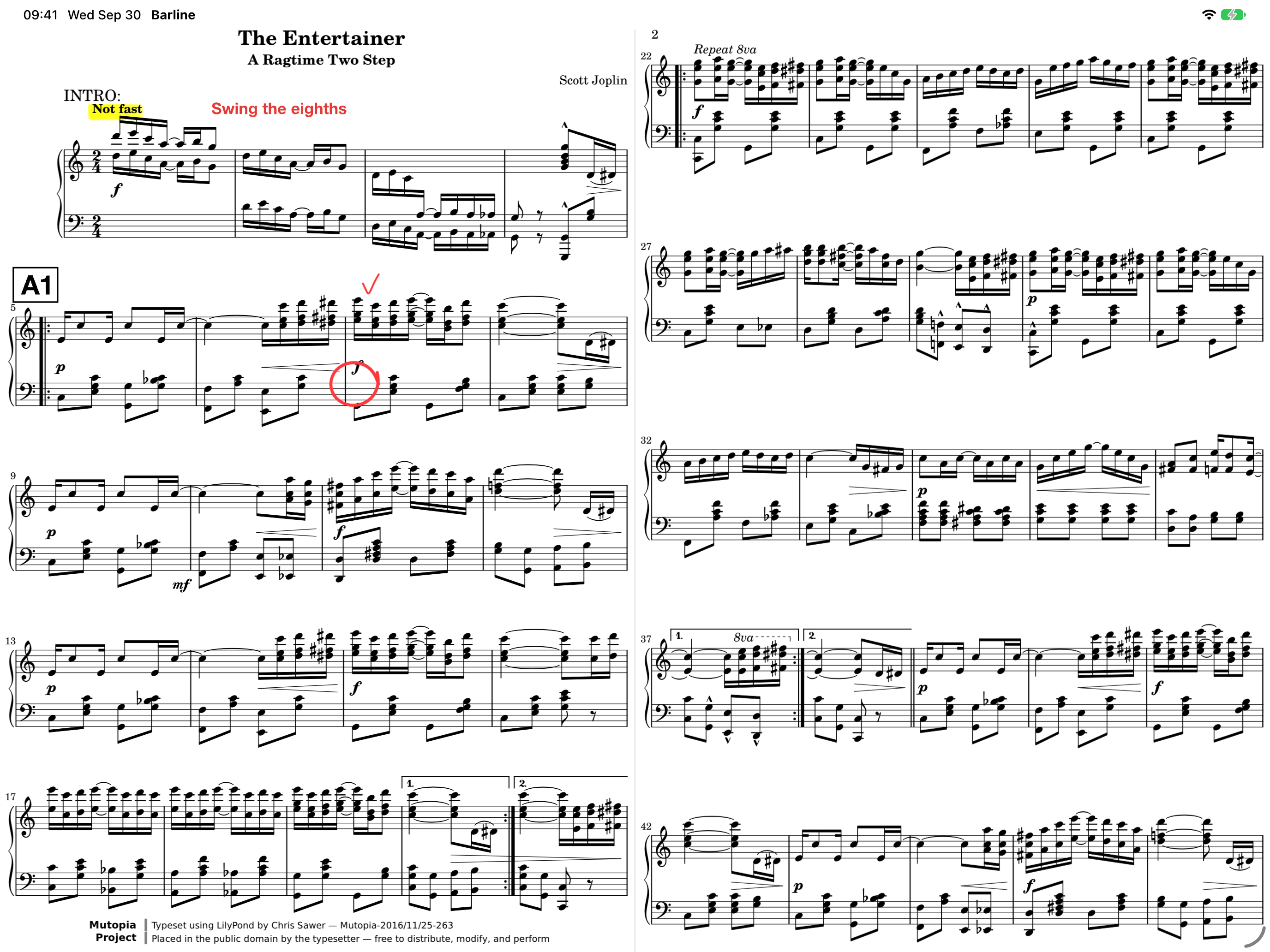
Open your chart, arm a recording, and start the clock with a tap or pedal press. Turn pages as you play. Barline records the timing and destination of each turn, including repeats and jumps.
Automatic page turning. Keep your hands on the music.
Record your page turns as you play through a chart. On your next performance, start on your cue and let Barline repeat those turns automatically. Your music library, markings, setlists, Groups, and AI tools support the work around the performance.
Not yet publicly available on the App Store. Screenshots show the current application; features may change before release.
Open your chart, arm a recording, and start the clock with a tap or pedal press. Turn pages as you play. Barline records the timing and destination of each turn, including repeats and jumps.
Enable Performance mode and tap or press your pedal when the music starts. Barline repeats your recorded page turns silently, without playing audio or a click.
Mark fermatas, vamps, and open solos as sections during recording. In performance, Barline waits at those points until your tap or pedal press tells it to continue.
Automatic turns follow a saved take’s timing. Charts without a recorded take can still be read and turned manually.
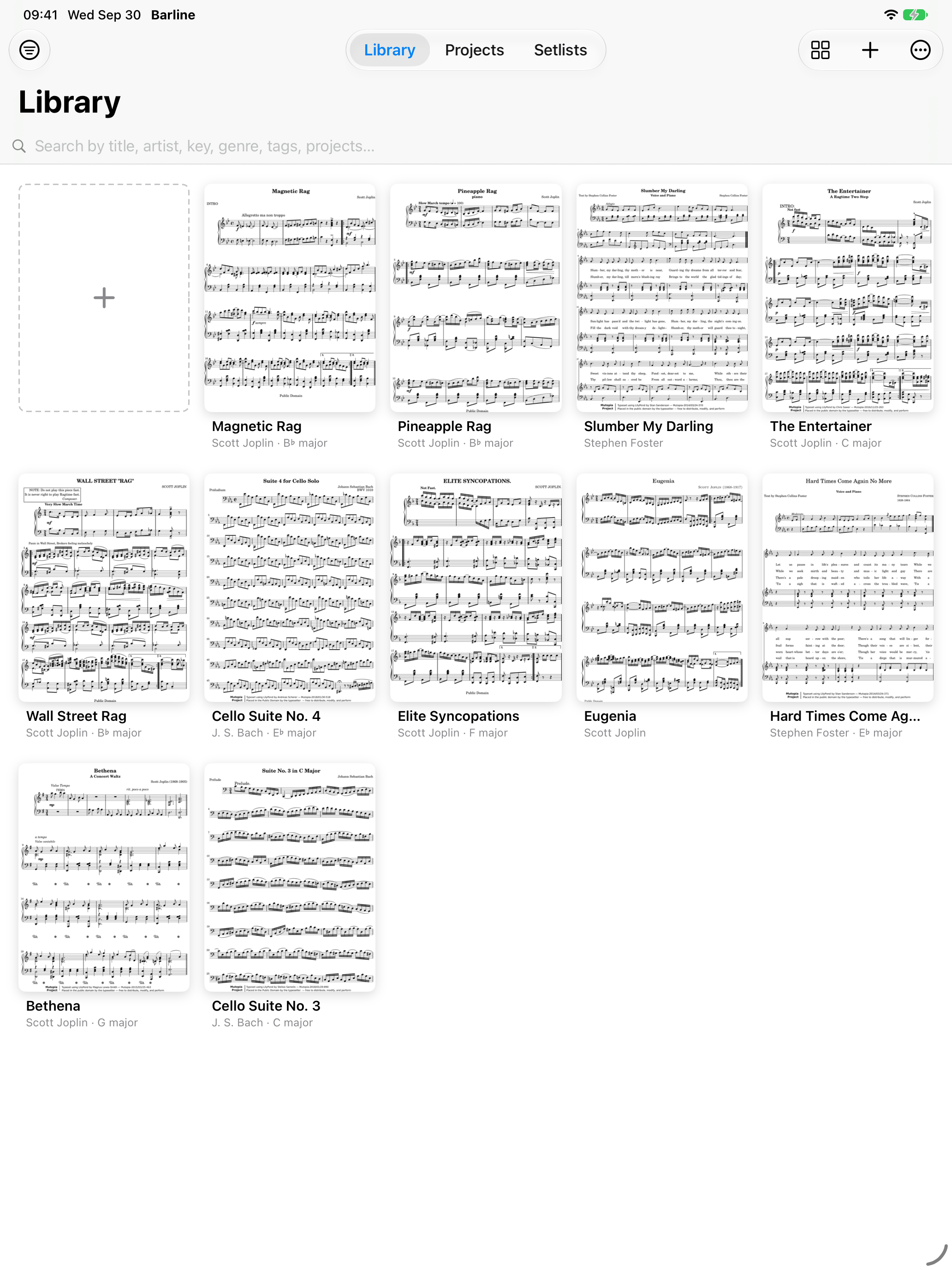
Import PDF charts and use titles, composers, tags, and search to find music in your collection.
Group charts into projects and arrange pieces into a setlist for the running order of a show.
Write with Apple Pencil, highlight important passages, and add text and musical stamps for cues, dynamics, and rehearsal marks.
Use portrait or landscape reading, crop excess margins, and use split-page turns to keep the next passage visible.
Turn pages with compatible Bluetooth pedals or keyboard controls. Face gestures are also available on supported Face ID iPads.
Use audio playback, a metronome, and a tuner alongside your charts. Create and restore library backups, including optional copies to iCloud Drive.
Build the set once and share it with your ensemble.
Create a group for a band, choir, or ensemble and invite members with a code. Share the songs, charts, categories, and running order.
Assign parts to the group’s instruments so each player can read the music they need. Personal annotations stay with each musician.
Leaders and editors can prepare changes offline. Publish when connected to deliver the updated set and missing parts to members.
AI helps with preparation, organisation, and practice alongside Barline’s automatic page turning.
Get help reading chart information and naming imported music. Extract a music book’s table of contents to build a song index.
Give Barline a stack of part PDFs or a combined file. AI helps group the pages by song and instrument; review and correct the suggestions before filing them into your group.
Ask the AI Trainer for practice suggestions and help choosing what to work on next.
AI tools use online services. Review their suggestions before applying them. Groups require an account and a connection to publish and receive shared updates.
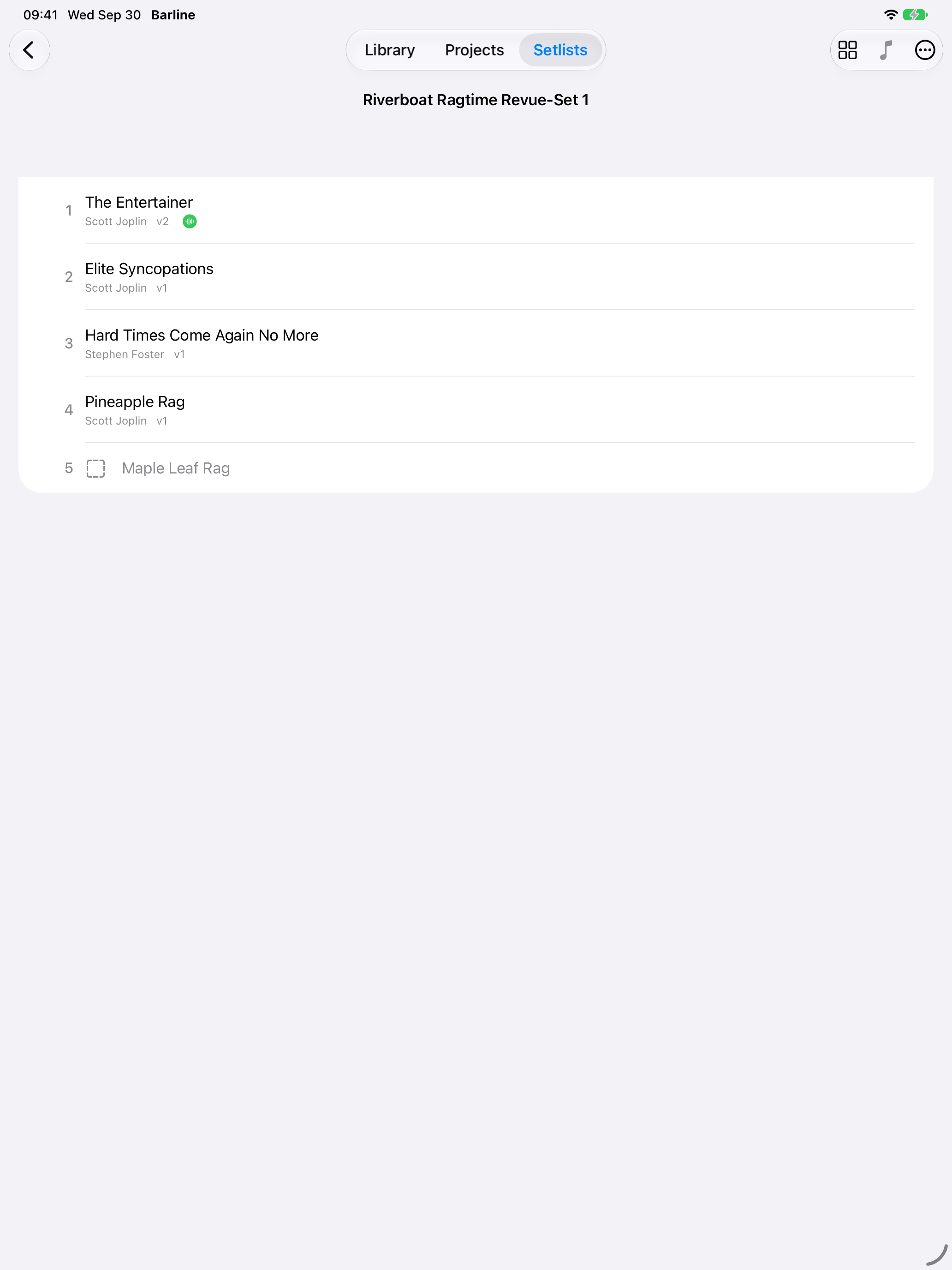
Arrange your charts in a project or setlist and enable Performance mode. When a chart’s recorded take ends, Barline moves to the next chart and arms it for your cue. You can still turn a page by hand whenever you need to.
The demo screenshots use public-domain music. They show actual Barline reading, library, and setlist screens.
Barline is not yet publicly available on the App Store. For product and availability enquiries, contact contact@smartdrumm.com. Release timing, pricing, and final device requirements will be announced when confirmed.
Contact & product support →